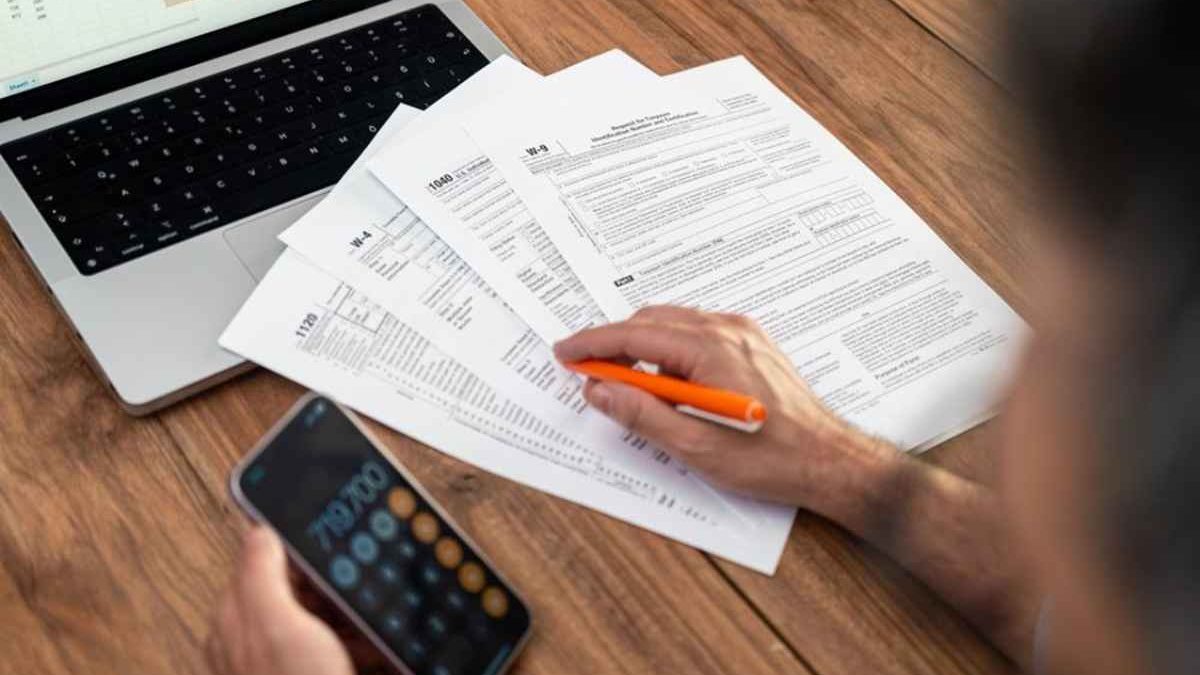

If you run a business, even as a solopreneur, you’ve likely wondered how much documentation you really need to keep for tax purposes. With so much happening digitally, it’s tempting to rely on bank statements or app histories and call it good enough.
But the IRS has clear rules about what records you must keep, how long to keep them, and in what format. Fortunately, modern small business accounting software makes it easier than ever to stay compliant without creating extra work. This guide covers what the IRS actually expects when it comes to receipts, records, and retention—so you can stay organized and avoid surprises during tax time.
Table of Contents
What Counts as a Business Record?
According to the IRS, business records are documents that support the income, deductions, and credits you report on your tax return. These records can include:
- Sales receipts or invoices
- Bank and credit card statements
- Payroll records
- Purchase orders and bills
- Cancelled checks
- Mileage logs
- Contracts and agreements
Receipts, in this context, are just one piece of the puzzle. The IRS doesn’t care whether your records are digital or on paper—as long as they are accurate, complete, and accessible.
Do You Need to Keep Every Receipt?
Not necessarily. You don’t have to keep a receipt for every purchase, but there are thresholds and categories to keep in mind:
- Under $75: The IRS generally does not require a receipt for business expenses under $75, unless it’s for lodging or a specific type of expenditure (like gifts or meals).
- Meals and Entertainment: Receipts are needed for any amount, and you should also record the business purpose, date, and who attended.
- Travel and Lodging: Always retain receipts, regardless of amount.
- Assets and Equipment: For purchases that will be depreciated over time (like computers or machinery), detailed documentation is essential.
Best practice: keep all receipts when possible, but especially for items above $75 or with stricter documentation requirements.
What About Digital Records?
The IRS accepts digital records as long as they are legible and can be produced if requested. Scanning paper receipts or snapping a photo with your phone is perfectly acceptable. In fact, it’s encouraged. Paper receipts fade, get lost, and are harder to organize.
Use your accounting software or a secure cloud storage system to store scanned receipts, invoices, and other key documents. Make sure your digital files are:
- Clearly labeled (e.g., “Office Supplies_2024-03-14”)
- Easily searchable
- Backed up regularly
Many accounting platforms let you attach receipts directly to transactions for seamless recordkeeping.
How Long Do You Need to Keep Records?
The IRS sets specific retention timelines depending on the type of document and tax situation:
- 3 years: Standard rule for most tax records if you file on time and report everything accurately.
- 6 years: If you underreported income by more than 25%.
- 7 years: If you claimed a loss from worthless securities or bad debt.
- Indefinitely: If you didn’t file a return or filed a fraudulent one.
In addition, keep records related to assets, like property or equipment, for as long as you own the asset, plus three years after you dispose of it. This documentation supports depreciation deductions or capital gains calculations.
Records You Should Always Keep
Here’s a quick checklist of the types of documents small business owners should retain:
- Income records: Invoices, sales receipts, 1099s, client contracts, bank deposits.
- Expense records: Receipts, credit card statements, utility bills, loan interest payments.
- Payroll records: If you have contractors or employees, keep wage and withholding documentation.
- Mileage logs: For any vehicle used for business purposes, including dates, destinations, and miles driven.
- Tax filings: Copies of filed returns, W-2s, 1099s, and related correspondence.
- Asset records: Purchase invoices, warranty info, depreciation schedules.
Even if you rely on software to categorize transactions, backing them up with supporting documentation is what makes them audit-proof.
Tips for Staying Organized Year-Round
Recordkeeping isn’t just about avoiding problems during an audit. It also gives you better visibility into your business finances. Here’s how to keep it manageable:
1. Use Your Accounting Software Consistently
Modern platforms can connect to your bank, categorize expenses, and let you attach receipts, all in one place. Some even automate retention based on IRS rules.
2. Set a Weekly Review Schedule
Block out 30 minutes a week to upload receipts, reconcile transactions, and review income and expenses. This keeps you from scrambling during tax season.
3. Tag and Categorize
Label each receipt or document by category: travel, meals, equipment, etc. This will make filing your return easier and help your accountant (or you) understand your deductions.
4. Don’t Forget Backup
Store digital records in at least two secure locations, such as your accounting platform and a cloud drive. That way, if one system fails, your data is still safe.
What Happens During an IRS Audit?
If you’re audited, the IRS may ask you to provide proof of income or expenses claimed. This doesn’t always mean something is wrong. Sometimes it’s just a random check.
Here’s what they might request:
- Receipts or documentation for specific deductions (like meals or travel)
- Bank and credit card statements
- Contracts or proof of business purpose for certain expenses
- Mileage logs
- Asset purchase records
You’ll typically have 30 days to respond. Being able to quickly produce clean, legible records can speed up the audit process and minimize stress.
Avoid These Common Mistakes
Even well-meaning business owners sometimes fall into traps that can lead to IRS issues:
- Relying solely on bank statements without supporting receipts or invoices.
- Mixing personal and business expenses, especially on the same account.
- Forgetting to document business purposes for travel, meals, or gifts.
- Failing to back up digital records, especially when switching software or hardware.
Avoid these pitfalls by treating documentation as part of your business routine, not just a tax-time chore.
The IRS doesn’t expect you to keep every scrap of paper, but it does expect accurate, well-documented records that support your tax filings. By understanding what to keep, how long to keep it, and how to organize it effectively, you’ll save yourself time, stress, and potential penalties. Whether you’re just starting out or years into your business journey, a smart recordkeeping system, with the help of reliable accounting software, is one of the best tools you can have.