Every small IT team I’ve talked to has the same origin story. Things were chaotic. Requests arrived by email, by chat, by hallway ambush and by sticky note left on a keyboard. Someone said “we need a ticketing system,” someone else found a free one, and there was a brief, optimistic week when every request got logged, tagged and assigned. Then the old habits came back, the queue filled with half-closed tickets nobody remembered opening, and the team concluded the tool was the problem.
It almost never is. Picking a free IT ticketing system is the easiest buying decision a small team will make all year, and the options are perfectly capable for a handful of technicians supporting a modest office. What fails is everything around the software: the rules nobody wrote down, the shortcuts nobody closed, and the assumption that installing a queue is the same thing as running one.
Table of Contents
Nobody agreed what a ticket is
The first mistake is skipping the boring conversation. Is a password reset a ticket? Is a quick question in chat? What about replacing the conference room display, which will drag on for weeks and involve a vendor? If the answer depends on who’s asking and how busy you are, the system will capture a random sample of your work, and you’ll make decisions based on that sample.
A workable rule is simple: if it takes your time, it gets a ticket, even if you open and close it in the same minute. That isn’t paperwork for its own sake. It’s the only way to discover later that a surprising share of your week goes to the same printer.
Categories designed by committee
The second mistake is the opposite one. Teams that do sit down to plan often build a taxonomy so elaborate that nobody can use it. Hardware, then laptop, then brand, then fault type, then urgency, then a free text field that everyone uses instead. When a technician has to pick from a long dropdown while a frustrated user waits, they pick whatever is at the top.
Start with a short list of categories you’d actually act on. If you’d never make a decision based on the difference between two categories, merge them. You can always add detail once you know which questions you’re trying to answer.
The side door is still open
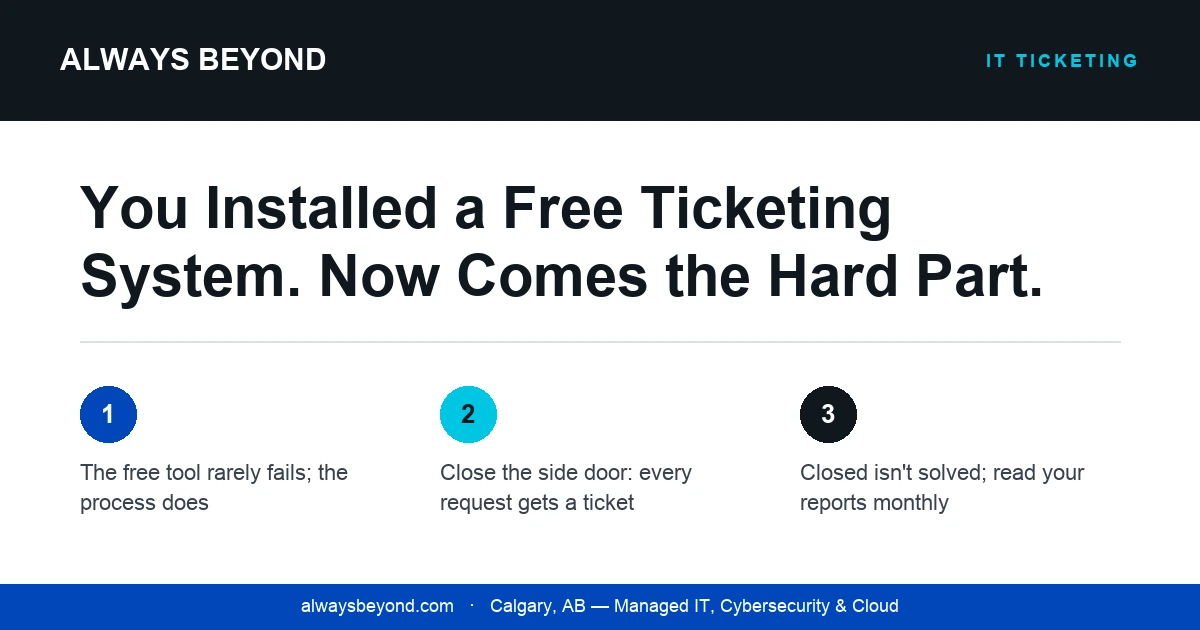
This is the one that kills most rollouts. The ticketing system goes live, but the senior manager still messages the technician directly, the technician still helps, and the work never gets logged. Everyone else notices that the fastest route to help bypasses the queue, and before long the queue is only for people who don’t know better.
Closing the side door is a people problem, not a software one. It takes a polite, consistent “happy to help, can you pop that in a ticket so I don’t lose it” (and, more importantly, someone in leadership willing to follow the rule first). If the people at the top use the front door, everyone else will.
Closed is not the same as solved
Free tools make it easy to close a ticket. They don’t make it easy to know whether the user agrees it’s fixed. Teams that measure themselves on closed tickets get exactly what they measure: fast closures, repeat issues, and users who stop bothering to report problems because “it’ll just come back anyway.”
A better habit is to close with a short note on what was done and why, and to watch for the same issue resurfacing from the same person. Those notes become your knowledge base later, which is the closest thing a small team gets to cloning its most experienced technician.
Reports that nobody opens
Finally, most free systems come with dashboards, and most small teams never look at them. That’s a shame, because the payoff for all this discipline is the ability to answer real questions: what keeps breaking, which requests could be automated or documented away, and whether you need another pair of hands or just fewer interruptions. Block out a recurring half hour each month to look at the data, even if the only outcome is deleting a category nobody uses.
None of this costs anything, which is the point. The software was free. The process just requires someone to decide how the team works and then hold the line when it’s inconvenient. If your queue feels like a graveyard, don’t go shopping for a new tool yet. Pick one of the habits above, fix it this month, and notice how much quieter the hallway gets.